SSN DEV Studio

명함정리함

받은 명함은 찍으면 정리되고, 내 명함은 QR로 건네요. 명함 글자는 iPhone 안에서 읽어요.
App Store에서 받기 iPhone · iOS 18 이상 무료 · 광고 포함 · 인앱 구입
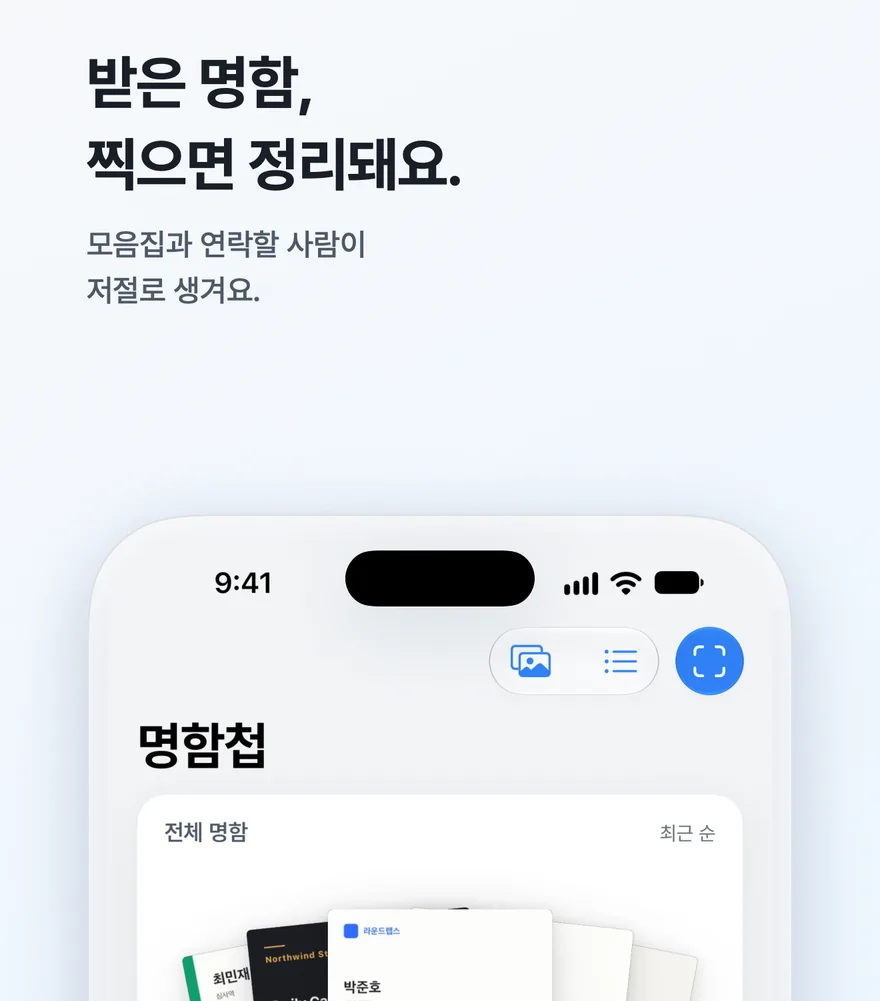
명함정리함 화면

받은 명함 정리

  • 명함을 찍거나 사진첩에서 고르면 이름, 직함, 회사, 전화번호, 이메일, 주소를 읽어 칸을 채워요. 여러 장을 한 번에 찍고, 뒷면은 앞 명함에 합칠 수 있어요.
  • 이미 있는 사람이면 알려 주고 새 정보로 합쳐요. 흐릿하게 읽힌 칸은 노랗게 표시해요.
  • 만난 날과 장소(동네 이름), 나눈 이야기를 함께 적어 둬요.
  • 전체·최근 7일·회사별 모음집이 저절로 생기고, 태그를 붙이면 내 모음집이 돼요.
  • 이름 초성(ㅎㄷㅇ), 회사, 메모, 만난 장소로 찾아요.
  • 연락할 날을 정하면 그날 오전 9시에 알려 주고 명함첩 맨 위에 올려 둬요.

내 명함 만들고 건네기

만들기

종이 명함을 찍어 그대로 쓰거나, 읽은 정보를 템플릿에 넣어 꾸며요. 가로 템플릿 9종과 세로 프로필 템플릿은 무료예요.

건네기

QR을 보여 주면 상대가 카메라로 찍어 연락처에 바로 저장해요. 이미지, 연락처 파일(.vcf)로도 건네고, Apple Wallet에 넣어 두면 잠금 화면에서 바로 QR을 꺼낼 수 있어요(무료).

그 밖에

  • 받은 명함으로 발신자 표시: 연락처에 없는 번호도 전화가 오면 이름과 회사를 보여 줘요(번호는 iPhone 안에서만)
  • 홈 화면·잠금 화면 위젯으로 내 명함 QR을 바로 꺼내요
  • 엑셀용 CSV·연락처 파일(.vcf)로 내보내기, .vcf 가져오기는 언제나 무료
  • Face ID로 앱 잠그기, 한국어·영어·일본어 화면
  • 회원가입 없이 바로 시작, 명함은 iPhone(과 켠 경우 내 iCloud)에만 저장돼요

명함정리함 프로

  • 세로 템플릿 8종(포스터·아치·패널처럼 사진이 들어가는 명함)
  • 인쇄용 PDF(재단 여백 3mm와 재단선까지)
  • 내 명함 3장 이상(본업·부업·모임별로)
  • iCloud 동기화(같은 Apple 계정의 iPhone끼리 명함첩과 내 명함을 맞춰요)
  • 광고 없음
  • 연간 구독(처음 구독하면 7일 무료) 또는 평생 이용권(한 번 결제)
도움이 필요하세요?

Cardtidy

Scan the cards you receive and they're sorted. Hand over your own card by QR code. Card text is read on your iPhone.

Download on the App Store iPhone · iOS 18 or later Free · Ads · In-app purchases
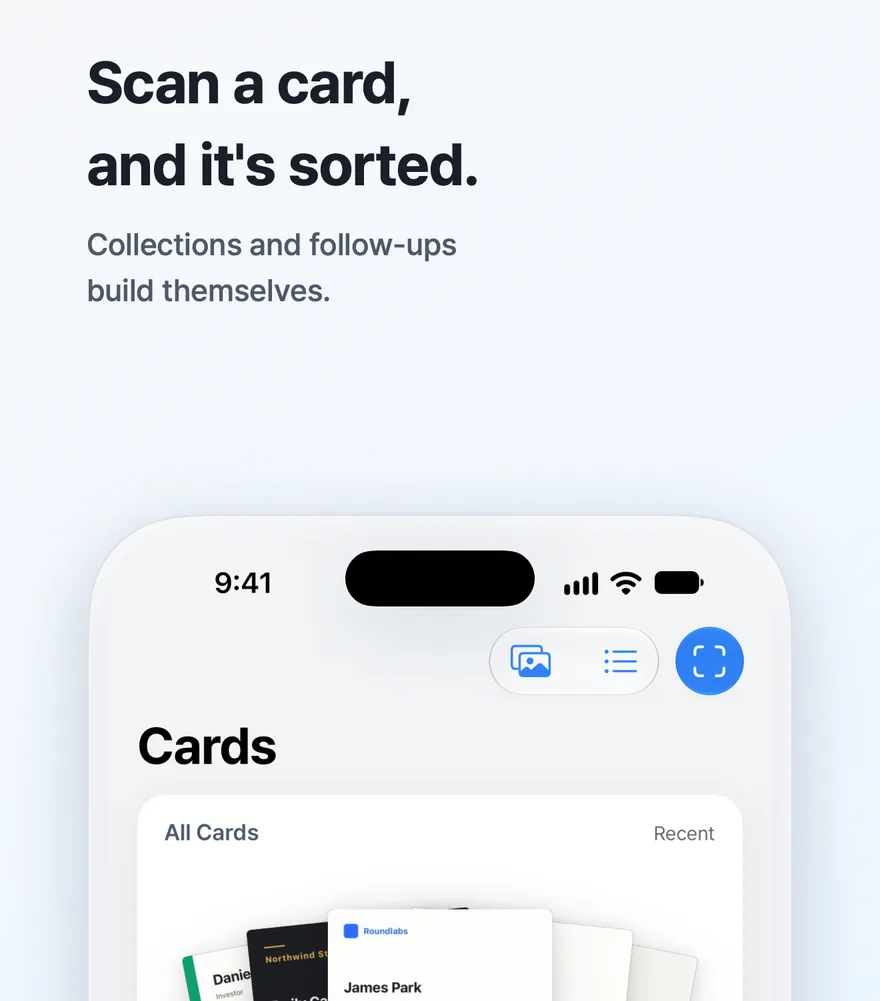
Cardtidy screenshot

Cards you receive

  • Take a photo or pick one from your library, and it reads the name, title, company, phone, email and address into the fields. Scan several at once, and attach a back side to the card before it.
  • If the person is already in your cards, it tells you and merges the new details. Fields read unclearly are highlighted in yellow.
  • Note when and where you met (as a neighborhood name) and what you talked about.
  • All Cards, Last 7 Days and By Company collections build themselves, and tags become your own collections.
  • Search by name, company, note or where you met.
  • Set a follow-up date and you get a reminder at 9 AM that day, with the card pinned to the top.

Make and hand over your card

Make

Scan your paper card and use it as is, or put what it reads into a template and style it. The 9 landscape templates and the portrait Profile template are free.

Hand over

Show the QR code and the other person saves you to Contacts with their camera. You can also share an image or a contact file (.vcf), and add it to Apple Wallet to bring up your QR code right from the Lock Screen (free).

Also

  • Caller ID from received cards: see the name and company when a number not in Contacts calls (numbers stay on your iPhone)
  • Home Screen and Lock Screen widgets bring up your card's QR code
  • Export as CSV for Excel or contact files (.vcf), and import .vcf, always free
  • Lock the app with Face ID; Korean, English and Japanese
  • No sign-up; cards are stored only on your iPhone (and your own iCloud if you turn it on)
  • Text recognition reads Korean and English cards

Cardtidy Pro

  • 8 portrait templates (cards with photos, like Poster, Arch and Panel)
  • Print-ready PDF (with 3 mm bleed and crop marks)
  • 3 or more of your own cards (main job, side job, groups)
  • iCloud sync (Cards and My Card across iPhones on the same Apple Account)
  • No ads
  • Yearly subscription (7 days free for new subscribers) or lifetime purchase (pay once)

Need help?

Cardtidy

受け取った名刺をスキャンすると、自動で整理されます。自分の名刺はQRコードで渡せます。名刺の文字はiPhone上で読み取られます。

App Store でダウンロード iPhone · iOS 18 以降 無料 · 広告あり · アプリ内課金
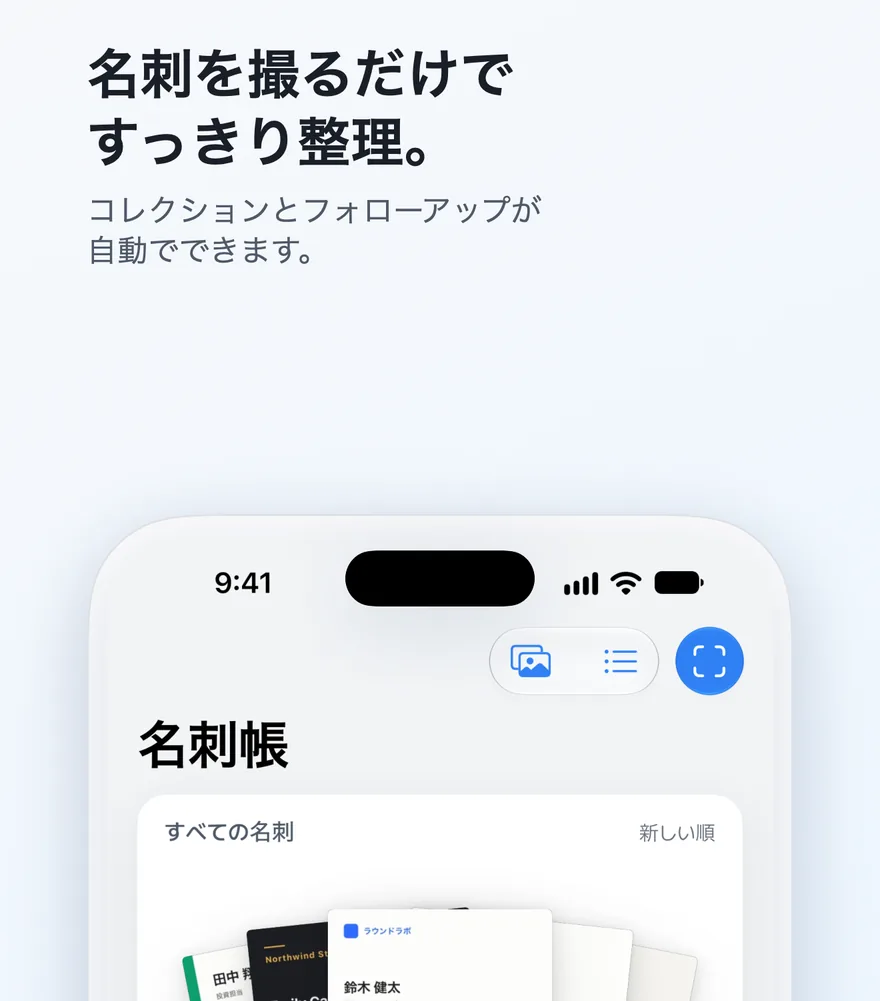
Cardtidyの画面

受け取った名刺

  • 写真を撮るか、ライブラリから選ぶだけで、氏名、役職、会社名、電話番号、メール、住所を各項目に読み取ります。複数枚をまとめてスキャンでき、名刺の裏面も前の名刺に追加できます。
  • すでに名刺がある相手の場合はそのことを知らせ、新しい情報を統合します。読み取りが不鮮明な項目は黄色で示されます。
  • 出会った日時と場所(地域名)、話した内容をメモできます。
  • 「すべての名刺」「過去7日間」「会社別」のコレクションが自動で作られ、タグは自分のコレクションになります。
  • 氏名、会社名、メモ、出会った場所で検索できます。
  • 連絡する日を設定すると、その日の午前9時に通知が届き、名刺が一番上に固定されます。

自分の名刺を作って渡す

作成

紙の名刺をスキャンしてそのまま使うか、読み取った内容をテンプレートに入れてスタイルを整えられます。横型テンプレート9種と縦型のプロフィールテンプレートは無料です。

渡す

QRコードを見せると、相手はカメラで読み取って連絡先に保存できます。画像や連絡先ファイル(.vcf)での共有もできます。Apple Walletに追加すれば、ロック画面からすぐにQRを表示できます(無料)。

その他

  • もらった名刺で発信者表示:連絡先にない番号から着信すると、氏名と会社名が表示されます(番号はiPhone内にのみ保存されます)
  • ホーム画面とロック画面のウィジェットから、名刺のQRコードを表示できます
  • Excel用CSVや連絡先ファイル(.vcf)への書き出し、.vcfの読み込みは、いつでも無料です
  • Face IDでアプリをロックできます。韓国語、英語、日本語に対応
  • 会員登録は不要。名刺はお使いのiPhone内(iCloudをオンにした場合はご自身のiCloud内)にのみ保存されます
  • 文字の読み取りは韓国語・英語の名刺向けです

Cardtidy Pro

  • 縦型の写真入りテンプレート8種(ポスター、アーチ、パネルなど)
  • 印刷用PDF(3 mmの塗り足しとトリムマーク付き)
  • マイ名刺を3枚以上(本業、副業、グループなど)
  • iCloud同期(同じApple AccountのiPhone間で名刺帳とマイ名刺を同期)
  • 広告なし
  • 年間サブスクリプション(新規の方は7日間無料)または買い切り(一度のお支払い)

お困りですか?