SSN DEV Studio

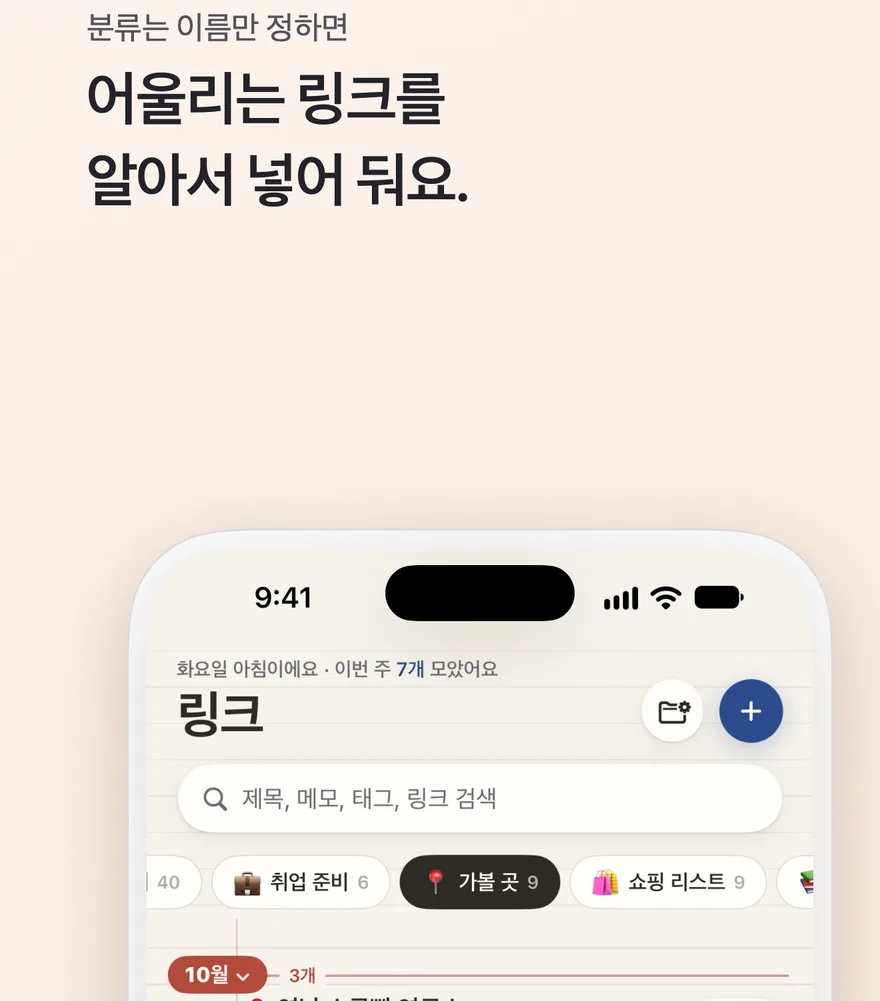
링크공책

공유하면 공책에 적혀요. 다른 앱에서 링크를 공유하고 '링크공책'을 누르면 페이지를 읽어 가격·날짜·주소를 적고, 내가 만든 분류에 넣어 둬요.
App Store에서 받기 iPhone · iOS 26 이상 무료 · 광고 포함 · 인앱 구입
링크공책 화면

이렇게 써요

  • 아무 앱에서 공유 버튼을 누르고 '링크공책'을 고르면 저장 카드가 떠요. 앱 안에서는 '링크 추가'나 복사한 링크 배너로 붙여넣어요.
  • 페이지의 제목과 대표 이미지, 페이지에 적힌 정보를 읽어 어떤 페이지인지 가리고 필요한 칸을 채워요.
  • 이름이 어울리는 분류에 알아서 넣고, 애매하면 어디에 넣을지 물어요. 같은 링크를 다시 저장하면 이미 있다고 알려 줘요.

페이지마다 필요한 것만

상품

가격, 원가, 할인 종료일, 쇼핑몰

일정

공연·전시·채용·공모전의 예매 오픈, 마감, 시작, 장소

장소

주소, 영업시간, 업종. 주소를 누르면 지도 앱에서 바로 찾아요

글·영상

매체와 읽는 시간

  • Apple Intelligence를 켠 기기에서는 세 줄 요약과 태그도 iPhone 안에서 만들어요
  • 잘못 읽은 칸은 눌러서 고치고, 비어 있는 칸은 직접 적을 수 있어요

그 밖에

  • 줄 노트처럼 달마다 쌓이는 목록, 분류 탭, 태그 탭, 완료한 링크 모아 보기
  • 링크마다 메모와 형광펜, 썸네일 바꾸기
  • Face ID로 앱 잠그기, 라이트·다크 화면 모드
  • 플러스: 한 번 결제로 광고 제거, 아카이브(본문과 사진 최대 20장을 이 기기에), 공책 꾸미기(종이 6가지·종이 색 8가지·펜 잉크 8색·메모 글씨체 6가지), 링크 내보내기(JSON·CSV)
  • 회원가입·로그인 없이 바로 시작, 링크와 메모는 내 iCloud로 기기끼리 맞춰져요
도움이 필요하세요?

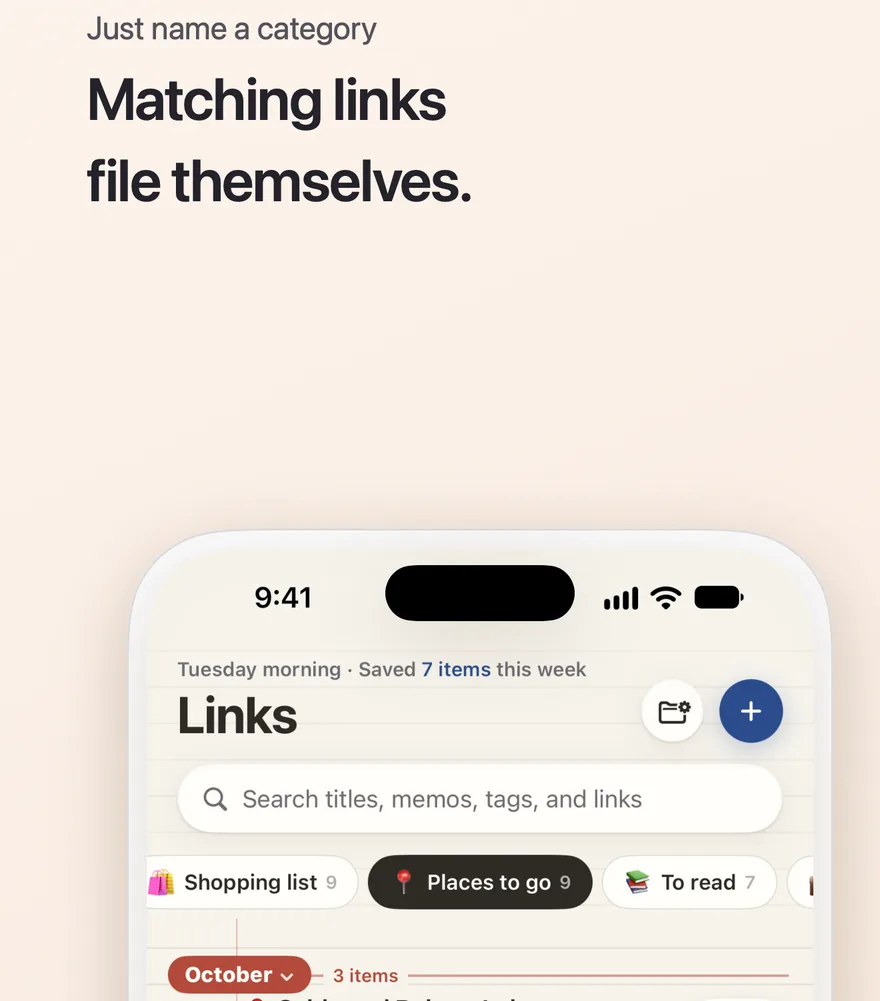
Link Notebook

Share it, and it's written down. Share a link from any app and tap Link Notebook: it reads the page, notes the price, dates and address, and files it in your own categories.

Download on the App Store iPhone · iOS 26 or later Free · Contains ads · In-app purchases
Link Notebook screenshot

How it works

  • Tap the Share button in any app and choose Link Notebook to open the save card. Inside the App, paste a link with Add Link or the copied-link banner.
  • It reads the page's title, main image and the details the page states, works out what kind of page it is, and fills in the fields that matter.
  • It files the link in the category whose name fits, and asks you when it isn't sure. Save the same link twice and it tells you it's already there.

Just what each page needs

Products

Price, original price, sale end date and store

Events

Ticket opening, deadline, start time and venue for shows, exhibitions, jobs and contests

Places

Address, opening hours and type. Tap the address to find it in a maps app

Articles and videos

Outlet and reading time

  • On devices with Apple Intelligence turned on, it also writes a three-line summary and tags, right on your iPhone
  • Tap any field to fix it, or fill in an empty one yourself

And more

  • A ruled-notebook list that builds up month by month, category tabs, a Tags tab and a list of finished links
  • Notes and highlighter colors for each link, and a thumbnail you can change
  • Lock the App with Face ID, plus light and dark modes
  • Plus: one purchase for no ads, Archive (text and up to 20 photos kept on this device), notebook styles (6 papers in 8 colors, 8 ink colors, 6 handwriting fonts) and Export Links (JSON and CSV)
  • No sign-up or login. Start right away; your links and notes sync across your devices through your own iCloud

Need help?

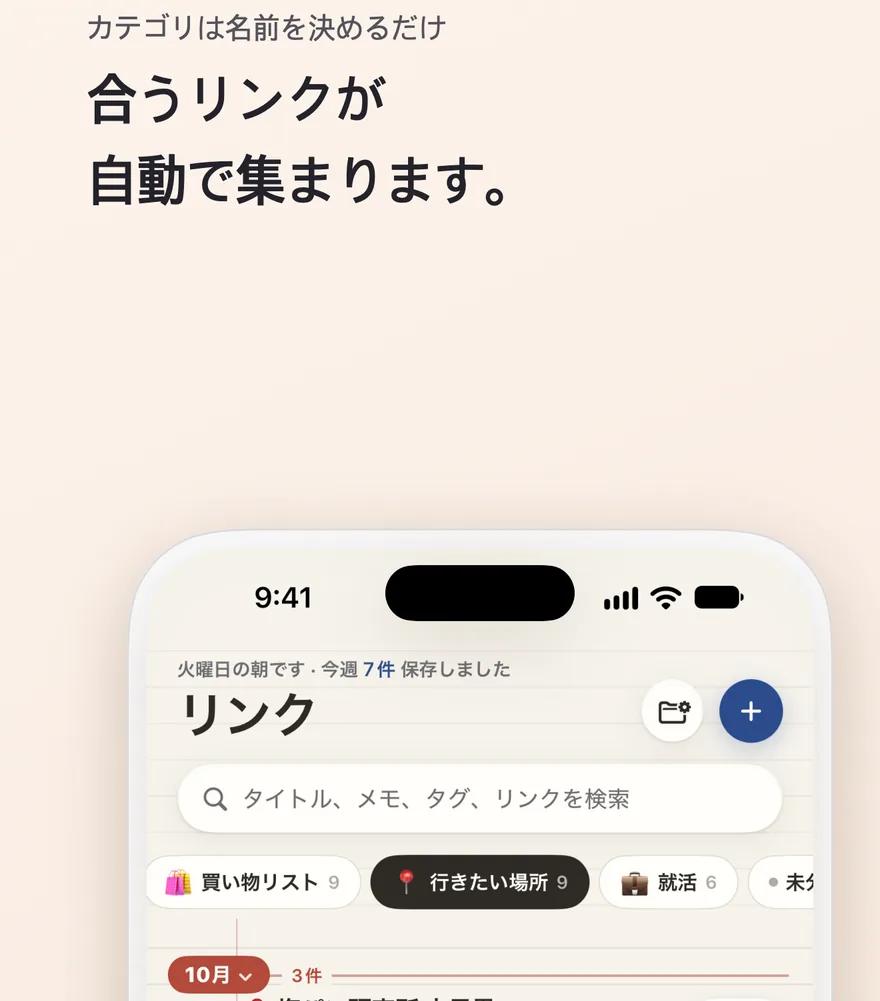
リンクノート

共有すれば、ノートに書き留めます。ほかのアプリでリンクを共有して「リンクノート」を選ぶと、ページを読んで価格・日付・住所を書き出し、自分で作った分類に入れておきます。

App Store でダウンロード iPhone · iOS 26 以降 無料 · 広告あり · アプリ内課金
リンクノートの画面

使い方

  • どのアプリでも共有ボタンを押して「リンクノート」を選ぶと、保存カードが開きます。アプリの中では「リンクを追加」やコピーしたリンクのバナーから貼り付けます。
  • ページのタイトルと代表画像、ページに書かれた情報を読み取り、どんなページかを見分けて必要な項目を埋めます。
  • 名前の合う分類に自動で入れ、迷ったときはどこに入れるか尋ねます。同じリンクをもう一度保存すると、保存済みであることをお知らせします。

ページごとに必要なことだけ

商品

価格、元の価格、セール終了日、ショップ

予定

公演・展示・求人・コンテストの販売開始、締め切り、開始日時、会場

場所

住所、営業時間、業種。住所をタップすると地図アプリですぐに探せます

記事・動画

媒体と読む時間

  • Apple Intelligence をオンにした端末では、3行の要約とタグも iPhone の中で作ります
  • 読み間違えた項目はタップして直し、空いている項目は自分で書き込めます

そのほか

  • 罫線ノートのように月ごとに積み重なる一覧、分類タブ、タグタブ、完了したリンクのまとめ
  • リンクごとのメモと蛍光ペン、サムネイルの変更
  • Face ID でアプリをロック、ライト・ダークの画面モード
  • プラス: 一度の購入で広告の削除、アーカイブ (本文と写真最大20枚をこの端末に)、ノートの着せ替え (紙6種類・紙の色8色・インク8色・メモの手書き書体6種類)、リンクの書き出し (JSON・CSV)
  • 会員登録もログインもなしですぐに始められ、リンクとメモはご自身の iCloud で端末間で同期されます

お困りですか?